绩效模板、绩效计划
这篇解决什么
考核批次怎么从方案、模板生成到每个人的计划。读完能对上 hrm_performance_period、publishAndGenerate,以及计划表 hrm_performance_plan。
默认端口 48080,管理端前缀 /admin-api。PC 开发页 http://127.0.0.1:5800。评分和结果见 绩效考核、绩效档案。
示意图:方案和模板是设置。批次发布后生成计划,评价单在下一篇。
从哪改
菜单在人力 → 绩效管理。官方菜单 6172(/hrm/performance),设置目录 6173。
| 名称 | 说明 | 仓库路径 |
|---|---|---|
| 绩效方案 | @RequestMapping("/hrm/performance-scheme") | ruoyi-office/yudao-module-hrm/.../controller/admin/performance/PerformanceSchemeController.java |
| 指标库 | /hrm/performance-indicator | PerformanceIndicatorController |
| 等级规则 | /hrm/performance-grade-rule | PerformanceGradeRuleController |
| 模板 | /hrm/performance-template,表 hrm_performance_template | PerformanceTemplateController |
| 模板指标 | hrm_performance_template_item | PerformanceTemplateItemDO |
| 考核批次 | /hrm/performance-period | PerformancePeriodController |
| 计划 | /hrm/performance-plan | PerformancePlanController |
| 计划指标 | /hrm/performance-plan-item | PerformancePlanItemController |
| 证据 | /hrm/performance-evidence | PerformanceEvidenceController |
| PC | views/hrm/performance/setting/、period/、plan/ | ruoyi-office-vben/apps/web-antd/src/views/hrm/performance/ |
路由:/hrm/performance/scheme、/hrm/performance/setting/template、/hrm/performance/period-list、目标确认 /hrm/performance/plan-list。
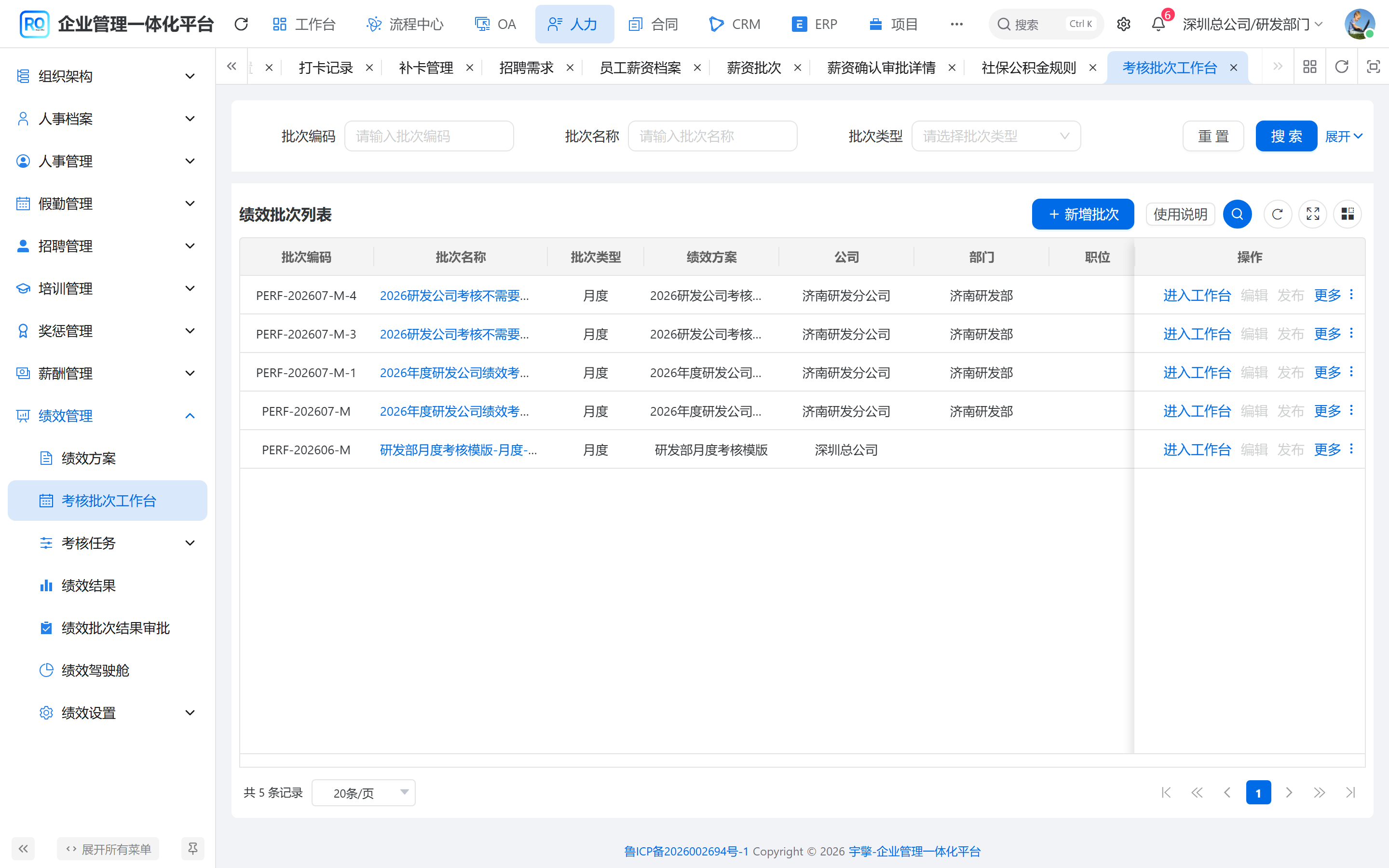
本系统截图:绩效管理 → 考核批次工作台。发布并生成后才有人的计划。
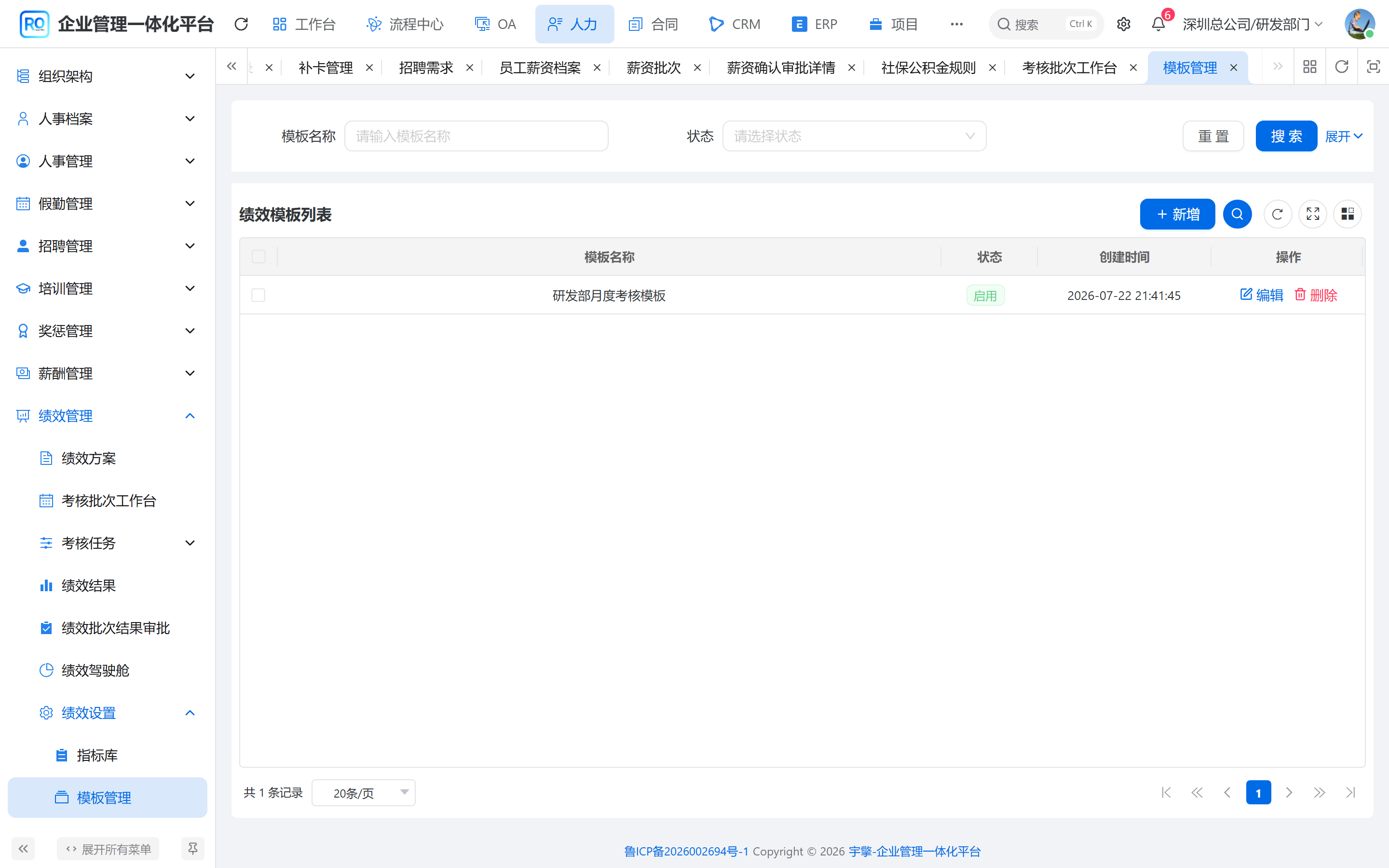
本系统截图:绩效模板。批次生成计划时按模板拆指标。
批次如何生成计划
PerformancePeriodDO 定周期、方案、适用部门/职务。publishAndGenerate 先发布批次,再按范围生成 hrm_performance_plan。
| 名称 | 说明 | 仓库路径 |
|---|---|---|
previewParticipants | 先看会进哪些人 | PerformancePeriodServiceImpl |
publishPerformancePeriod | 只改批次状态 | 同上 |
generatePerformancePlan | 按模板拆到员工 | 同上 |
publishAndGenerate | 两步一起做 | 同上 |
| 计划行 | 员工、模板、负责人、目标确认时间 | PerformancePlanDO |
示意图:模板决定评什么。批次决定评哪一段、哪些人。计划是每人一行,不是流程实例。
不要手插计划充人数
participantCount 和计划行由生成接口写。跳过生成去改表,评价单拉不齐,工作台未完成数会对不上。
计划状态、目标确认时间在 PerformancePlanDO。证据挂 hrm_performance_evidence,给自评/评审看,不单独走 BPM。
配置与操作
顺序:方案 / 指标库 / 等级规则 → 模板挂指标 → 建考核批次(周期、部门范围)→ previewParticipants 看人 → publishAndGenerate。目标确认在 plan-list。不要手插 hrm_performance_plan 充人数。